Source Browse Log window
What do you want to do?
Learn about source browse information, see Briefly about source browse information
Learn how to: Displaying source browse information
Get reference information about the Source Browse Log window, see below the line.

The Source Browse Log window is available by choosing View>Messages.
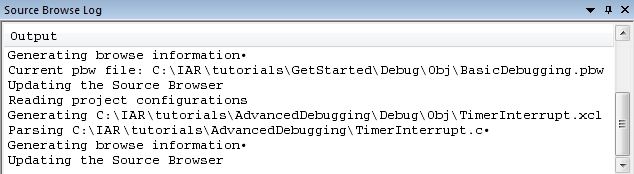
This window displays the output from the operation of the source browser.
Context menu
This context menu is available:
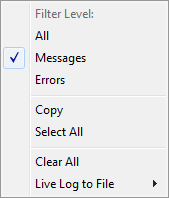
These commands are available:
- Messages
Gives information about what the source browser is doing and any errors that occur during parsing.
- Errors
Shows only errors received during the source browsing.
- Copy
Copies the contents of the window.
- Select All
Selects the contents of the window.
- Clear All
Clears the contents of the window.
- Live Log to File
Displays a submenu with commands for writing the source browse messages to a log file, and setting filter levels for the log.