Configure Aliases dialog box
In this section:
What do you want to do?
Learn about:
Get reference information about the Configure Aliases dialog box, see below the line.

The Configure Aliases dialog box is available from the Tools menu.
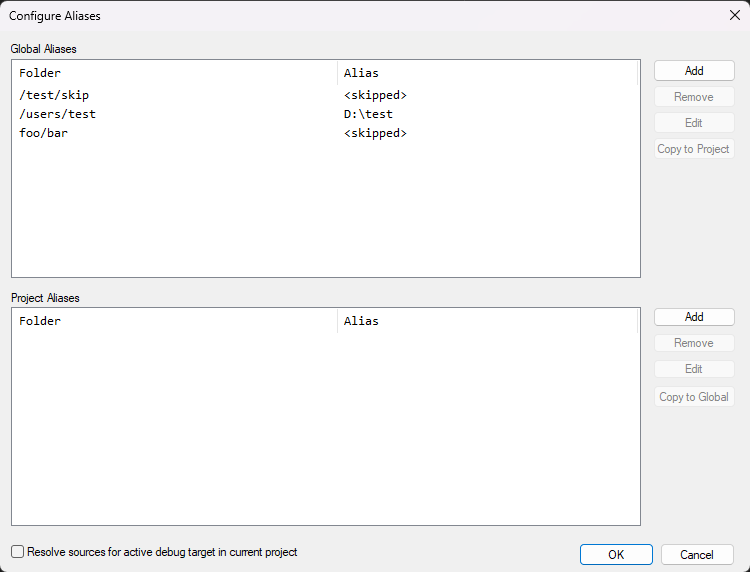
Use this dialog box to supply aliases to the IDE, so that files that are unavailable to the IDE can be located and displayed in the Workspace window when an externally built binary file is added to a project, or when you resolve source files.
Note
Project aliases have higher priority than global aliases.