Erase Memory dialog box
In this section:
The Erase Memory dialog box is displayed when you have chosen Project>Download>Erase Memory and your flash memory system configuration file (filename extension .board) specifies two or more flash memories.
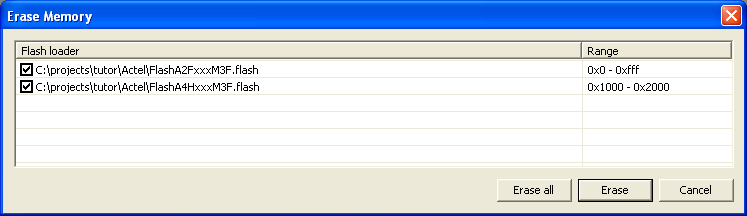
Use this dialog box to erase one or more of the flash memories.