Add Project Connection dialog box
In this section:
The Add Project Connection dialog box is available from the Project menu.
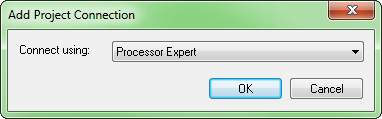
Use this dialog box to set up a project connection between IAR Embedded Workbench and an external tool. This can, for example, be useful if you want IAR Embedded Workbench to build source code files provided by the external tool. The source files will automatically be added to your project. If the set of files changes, the new set of files will automatically be used when the project is built in IAR Embedded Workbench.
To disable support for this, see Project options.