Editor Setup Files options
In this section:
What do you want to do?
Learn about the editor, see Introduction to the IAR Embedded Workbench editor
Get reference information about the Editor Setup Files tools options, see below the line.

The Editor Setup Files options are available by choosing Tools>Options.
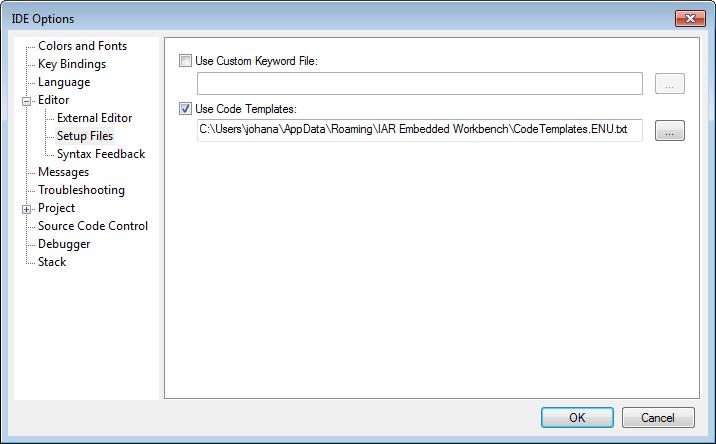
Use this page to specify setup files for the editor.
Use Custom Keyword File
Specify a text file containing keywords that you want the editor to highlight. For information about syntax coloring, see Syntax coloring.
Use Code Templates
Specify a text file with code templates that you can use for inserting frequently used code in your source file. For information about using code templates, see Using and adding code templates.