Showing/hiding toolbar buttons
In this section:
As an alternative to removing a button from an IDE toolbar, you can toggle its visibility on/off.
To hide a button temporarily from any of the toolbars in the main window of the IDE, click the Toolbar Options button and choose Add or Remove Buttons>toolbar.
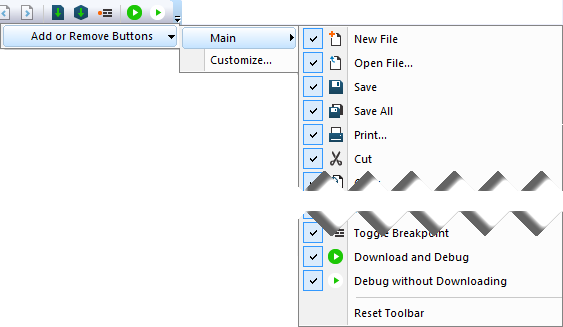
Select or deselect the command button you want to show/hide.
Note
If you want to delete a button entirely from the toolbar, see Removing a button from a toolbar.