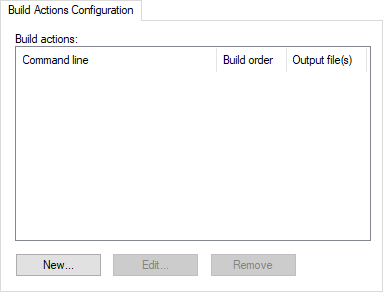
Build Actions Configuration
In this section:
What do you want to do?
Learn how to: Using build actions
Get reference information about the Build Actions Configuration options, see below the line.

The Build Actions Configuration options specify build actions in the IDE, to be performed before, during, or after the build. These options apply to the whole build configuration, and cannot be set on groups or files.
If a build action returns a non-zero error code, the entire Build or Make command is aborted.