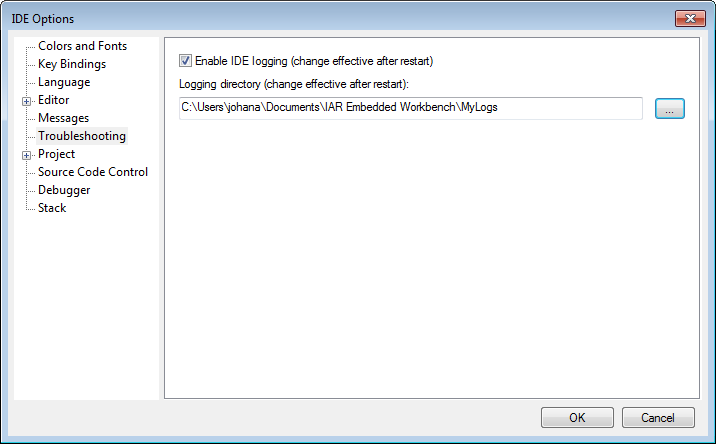
The Troubleshooting options are available by choosing Tools>Options.
Use this page to create and save logs of IDE operations.
Note
The IDE log files can become quite large, so you should only enable logging when asked to do so by IAR Technical Support.
Enable IDE logging
Creates log files of IDE operations. If you contact IAR Technical Support over repeated performance issues, you might be asked to generate and submit IDE logs to help the support engineers analyze the problem. To interpret the logs, detailed knowledge of the internal structure of the Embedded Workbench IDE is required.