Specifying tool options
In this section:
You can find commands for customizing the IDE on the Tools menu.
To display the IDE Options dialog box, choose Tools>Options to get access to a wide variety of options:
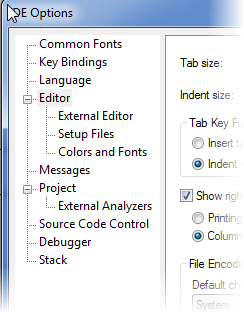
To access the options to the right in the dialog box, select a category to the left.
For more information about various options for customizing the IDE, see Tools menu.