Performance Stop breakpoints dialog box
The Performance Stop dialog box is available from the context menu that appears when you right-click in the Breakpoints window.
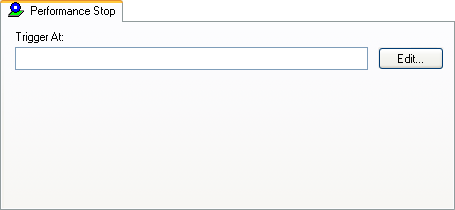
Use this dialog box to set performance stop breakpoints.
In the editor, Breakpoints, or Disassembly window, right-click and choose the Performance Stop command that corresponds to a previously defined performance start breakpoint. The number of the breakpoint, 1 or 2, connects the breakpoint to one of the two counters in the Performance Analysis Setup dialog box.
Alternatively, to modify an existing breakpoint, select it in the Breakpoints window and choose Edit on the context menu.
In the Trigger At text box, specify an expression, an absolute address, or a source location. Click OK.
When the breakpoint is triggered, the performance analysis stops.