Terminal I/O window
What do you want to do?
Learn about:
Get related information:
Get reference information about the Terminal I/O window, see below the line.

The Terminal I/O window is available from the View menu.
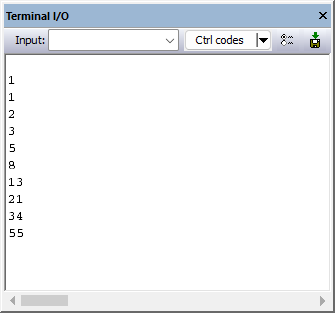
Use this window to enter input to your application, and display output from it.
Link your application with the option Include C-SPY debugging support.
C-SPY will then direct
stdin,stdoutandstderrto this window. If the Terminal I/O window is closed, C-SPY will open it automatically when input is required, but not for output.
The following possibilities for using Terminal I/O in real time apply:
Toolbar
- Input
Type the text that you want to input to your application.

Opens the IDE Options dialog box where you can set options for terminal I/O. For information about the options available in this dialog box, see Terminal I/O options.

Opens the Terminal I/O Log File dialog box, where you can configure and toggle logging on/off, see Terminal I/O Log File dialog box.