Updating the probe firmware
I-jet and I-jet Trace are designed so that firmware updates are not necessary unless new features added to IAR Embedded Workbench require extra hardware support. When a new version of IAR Embedded Workbench is released and a new feature that requires new firmware is used, C-SPY displays a message in the Debug Log window asking you to update the firmware.
Note
Support for new MCU devices is managed by software updates in IAR Embedded Workbench, and has nothing to do with I-jet or I-jet Trace firmware.
For more information about firmware versions, see the release notes.
Warning
Make sure that you do not accidentally disconnect the probe during the update process, as this can damage the probe permanently.
In IAR Embedded Workbench, choose I-jet>EmuDiag to display the About to Connect to an Emulator dialog box.
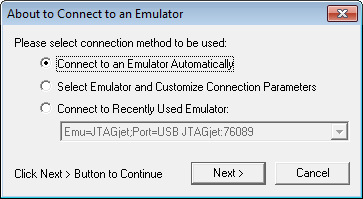
Select Connect to an Emulator Automatically and click Next.
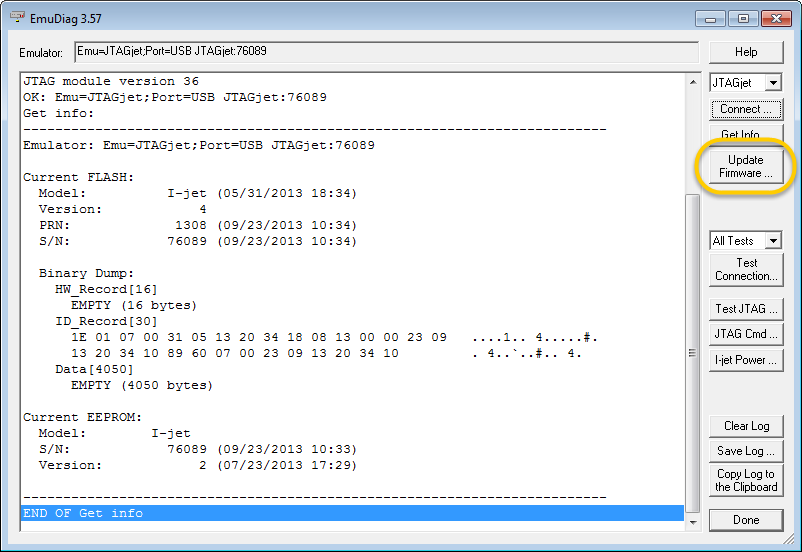
In the EmuDiag dialog box, click Update Firmware.
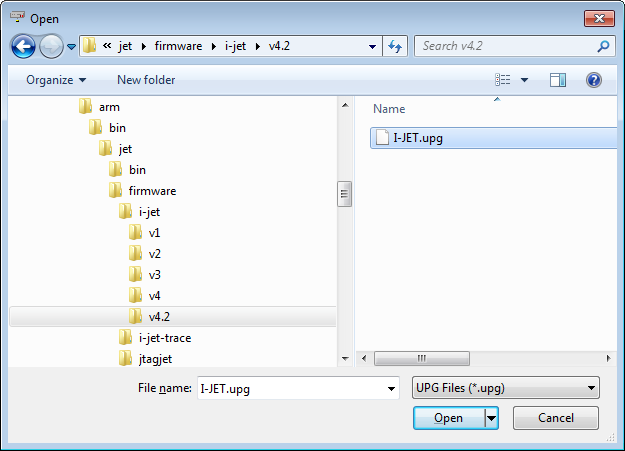
In the Open dialog box, browse to this folder of your IAR Embedded Workbench installation:
IAR Embedded Workbench for Arm:
arm\bin\jet\firmware\i-jetIAR Embedded Workbench for RISC-V:
riscv\bin\ijet\firmware\i-jetIn one of the subfolders, select the firmware file that you want to use and click Open.
The update log information is displayed in the EmuDiag dialog box.
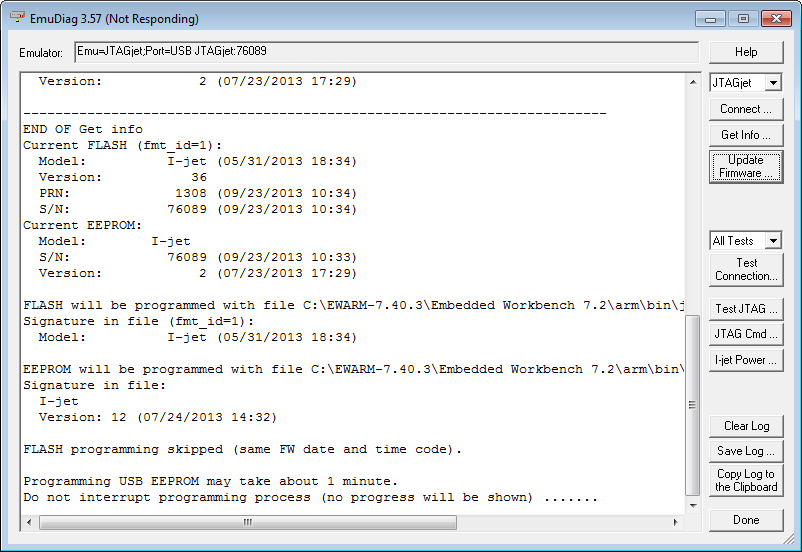
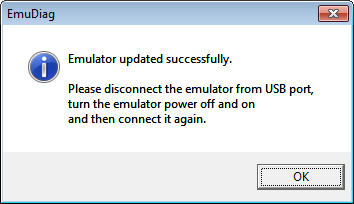
When the firmware update is complete, a message is displayed.