First time operation
In this section:
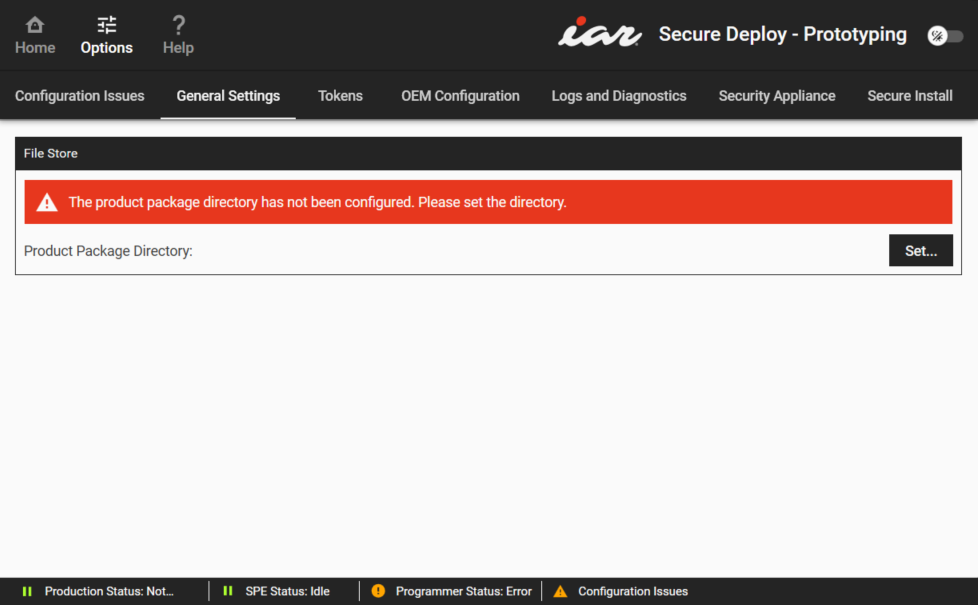
To launch the application, open the Windows Start menu and scroll down. Click on the folder Secure Thingz and then on IAR Secure Deploy – Prototyping. When the application is started for the first time, it will display the Options view:
How to configure the system:
Under General Settings>File Store in the Options view, a warning message tells you to set the product package directory. Click the Set button to navigate to a directory where you want to store product packages and select it.
Under Tokens>Factory Production Token, click the Import button to navigate to a Factory Production Token file (
.cat)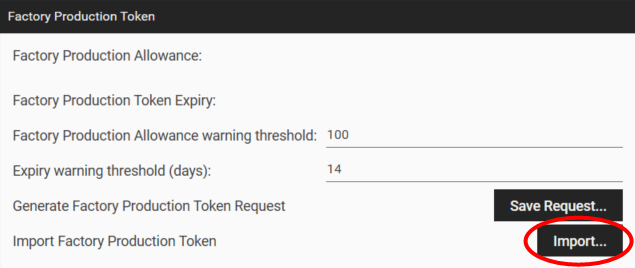
This token defines the total number of units the production system can produce.