Find in Files window
What do you want to do?
Learn how to: Text searching
Read about the:
Get reference information about the Find in Files window, see below the line.

The Find in Files window is available by choosing View>Messages.
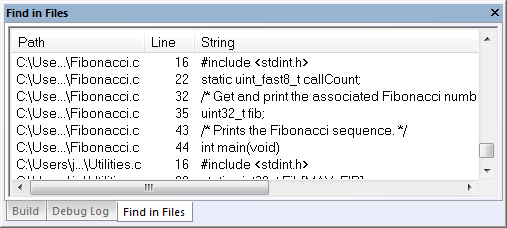
This window displays the output from the Edit>Find and Replace>Find in Files command. When opened, this window is, by default, grouped together with the other message windows.
Double-click an entry in the window to open the corresponding file with the insertion point positioned at the correct location. That source location is highlighted with a blue flag icon. Choose Edit>Next Error/Tag or press F4 to jump to the next in sequence.
Context menu
This context menu is available:

These commands are available:
- Copy
Copies the selected content of the window.
- Select All
Selects the contents of the window.
- Clear All
Deletes the contents of the window and any blue flag icons in the left-side margin of the editor window.