Hardware configuration when starting for the first time
In this section:
When a C-SPY emulator is started for the first time in a new project, the hardware must be set up.
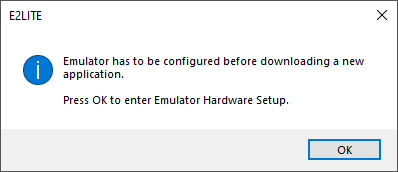
Click OK to enter the Hardware Setup dialog box. See Hardware Setup.
When the hardware setup is done and you click OK, the download of the debug file is started.
If the debug file contains a memory area that is not defined in the hardware setup, several warnings will be displayed in the Debug Log window.
The hardware setup is saved for each project and does not have to be set more than once. If you want to change the setup for a project, choose Hardware Setup from the Emulator menu.