Performance Analysis Setup dialog box
In this section:
The Performance Analysis Setup dialog box is available from the Performance Analysis window and from the C-SPY driver menu.
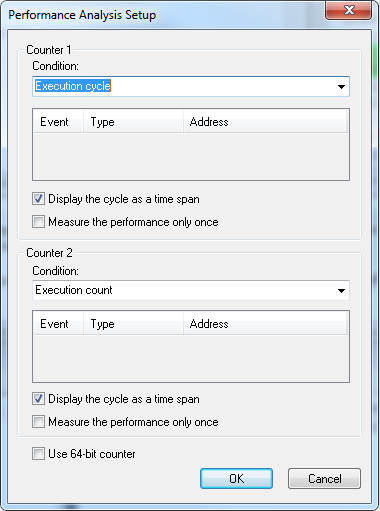
Use this dialog box to configure the analysis. You can configure one or two counters. The size of the counters is 32 bits, which limits the amount of data they can collect. To collect more data, select the Use 64-bit counter option and use just one counter.