Options : OEM Configuration
In this section:
The Options>OEM Configuration category is available by clicking Options and selecting the OEM Configuration tab.
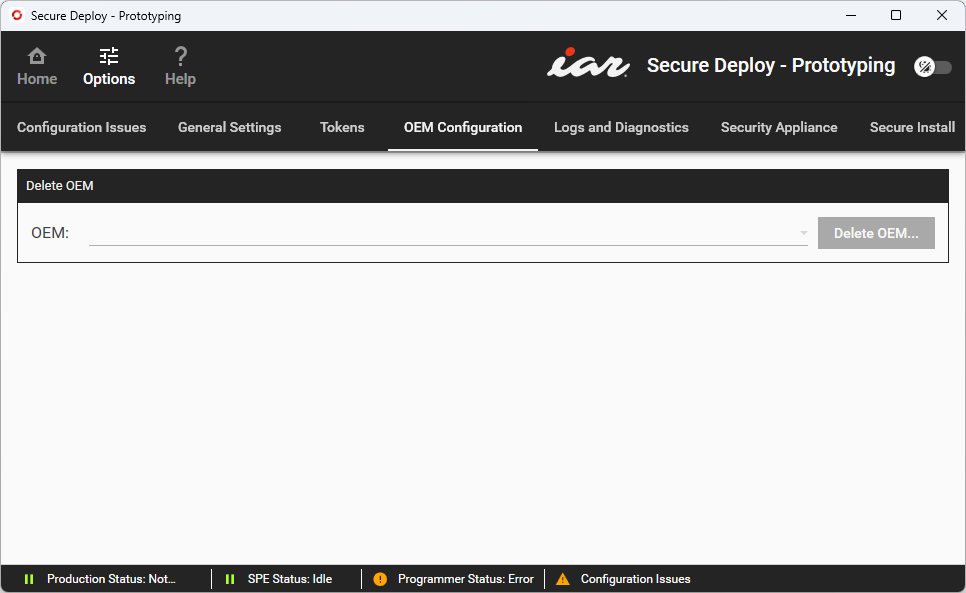
Use this category to configure all products of a particular OEM.
Delete OEM | Deletes all products of a particular OEM from the Security Appliance. Before the deletion takes place, you will be required to enter the first 8 digits of the OEM UUID to confirm that the products should be removed. These digits must match exactly—for example, if the UUID is This option deletes all the products and count authorizations from a single OEM, meaning that those products can no longer be produced. Warning It is not possible to re-import a deleted product. |