Options : Security Appliance
The Options>Security Appliance category is available by clicking Options and selecting the Security Appliance tab.
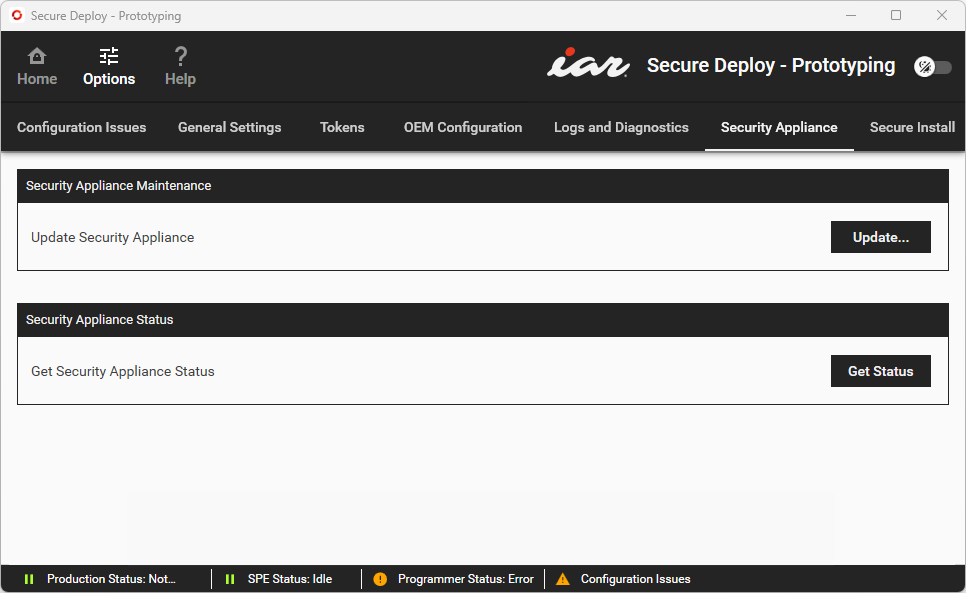
Use this category to see the status of the Security Appliance.
Security Appliance Maintenance | If you need to update the Security Appliance firmware—for example, if you have updated the IAR Secure Deploy – Prototyping software bundle, click Update Security Appliance to navigate to the new firmware (filename extension |
Security Appliance Status | Click Get Status to generate a report of with technical details that reflect the current status of the connected Security Appliance. This report can be exported using the Retrieve Logs button in the Logs and Diagnostics category. |